Enhancing Art Education with Google Apps for New Jersey Teachers

Google: A Creative Educator's Toolkit
Google's suite of tools offers endless possibilities for art teachers to enhance student learning and creativity. Let's explore how these digital resources can transform your art classroom.
Google is a powerhouse of information with a forward-thinking approach to technology and education. Our students benefit from their interactive and engaging resources. Google is truly a treasure trove of resources for teachers at all levels and in all subjects. I will be writing from my perspective as a high school art teacher. My goal in this post-presentation is to introduce you to the world of Google Applications related to the arts and creativity—some might be familiar, and some you may never have heard of!
Google: A Digital Art Studio
Google's suite of tools provides art educators with a versatile platform for creative exploration and student engagement. From virtual museum tours to digital art creation, these resources can transform the art classroom.
The Google Arts and Culture App Review (2022) notes that the app provides rich content and an entire world of art to explore. “The app's easy navigation lets you search by keyword or category, browse featured content, view art collections, and read culture-related editorials.” The site features timelines, games, and special activities and features that change from time to time. For example, the topic I plan to use in my classroom is street art in Oaxaca, Mexico. Throughout the article, there are links to important vocabulary and phrases, with accompanying references to photos and videos in the sidebar. There are maps and photos. These resources help enhance the text and enrich the students' understanding of the topic they are learning about. The intuitive, open-ended nature of the site makes it great for exploring connections. I happen to love the feature that lets you see artwork grouped by color. It’s interesting to see the similarities in the colors, but the differences in medium and style are represented.
If you’re trying to encourage students to explore art in their community, check out the “nearby” menu. This part of the website will highlight local museums and galleries. Their locations will be shown on a map, and you can then select the locations that interest you. Some museums participate in the website, and their art collection or a selection of their works will be right there on the Google Arts and Culture (2022) website for you to view. You can also use these types of features to explore other sites of interest, like the beauty of our national parks (25 virtual field trips for your classroom (2022)).
Just like art can be made from unexpected materials, art can also be made from unexpected applications. Google Sheets is a spreadsheet program with a lot of practical applications. Who knew you could use it to create pixel art or art inspired by abstract artist Piet Mondrian? Students can use Sheets to create some incredible art while experimenting with an unexpected artmaking method: spreadsheet art. One resource in particular is Make Mondrian Art with Google Sheets (2022). Google Sheets can also be utilized to create “pixel art,” which has seen a resurgence in pop art in recent years. Pixel Art Activities for Any Subject with Google Sheets (2022) is reminiscent of vintage video games.
Google Drawings isn’t just for diagrams. Google Drawings is an excellent example of a bare-bones but powerful application. It can be used to create geometric art, vector images, and even portraits! Vector portraits have been a popular illustration style in recent years. Google Drawings makes vector portrait art very accessible to students. It’s also a great platform for simple pop art. Google offers other drawing platforms to explore with your students as well. Canvas provides students with some of the expected drawing tools: pencil, pen, and marker. Google Tools and Activities for Art Education (2022) is quite fun to use, in my experience, and students with a touchscreen on their Chromebooks can use their fingers or a stylus to draw.
Jamboard is a fantastic whiteboard app for students (and teachers), primarily for brainstorming. It’s a wonderful brainstorming tool because it’s not flashy or finished (like Slides). It’s great for “jamming” ideas together and seeing what sticks. Google Jamboard is a lesser-known program and serves as a digital whiteboard for collaboration. How to Brainstorm and Collaborate with Students Online (2022) allows students to work together to add text, images, sticky notes, and manipulate everything with the freedom and flexibility of a whiteboard. Some ways to include it might be giving students a text or image to annotate or using it for idea maps/mind maps. Matt Miller (2022) explores some other 111: Creative Uses for Jamboard, such as storyboarding, comic strips, and photo critique. I have used it in my classrooms to take anonymous polls since it doesn’t display the same sort of editing info that Slides do. I also like it for sharing opinions on an artwork or associations with a word or image I’ve shared with the class as an image.
Google has so much to offer our students that it’s hard to know where to begin. I hope this helps bring your attention to the creative side of Google.
If you’re considering following your dream of teaching, Rutgers Alternate Route can offer you the support and training you need to succeed. Be sure to follow Rutgers Alternate Route on Twitter and sign up for Alternate Route’s monthly newsletter for more information and stories from the field of education.
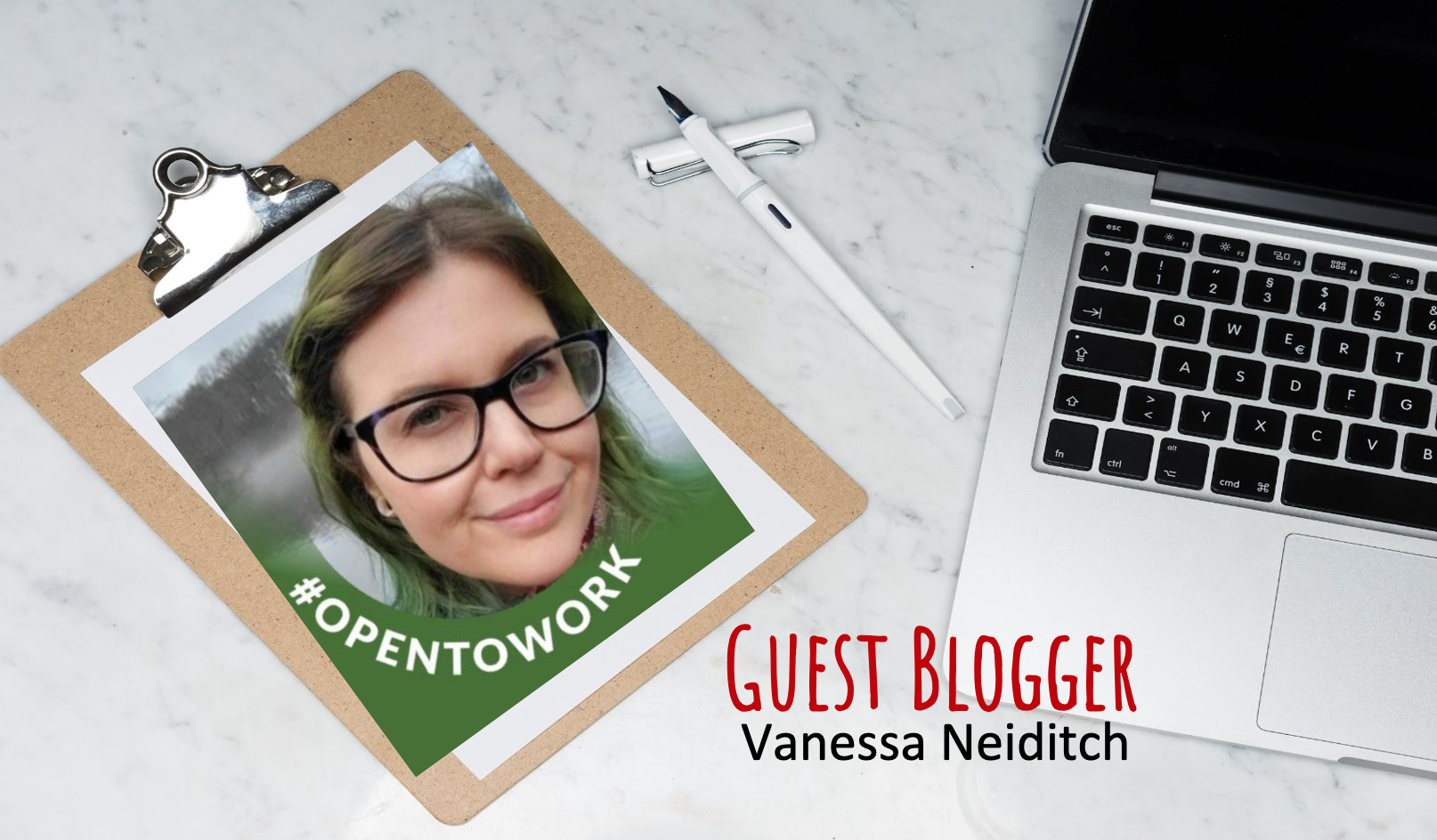 Vanessa Neiditch teaches Digital Art at Perth Amboy High School in New Jersey. A Visual and Performing Arts major in college, Vanessa Neiditch used her knowledge of art to pursue a career in teaching through the Rutgers Alternate Route program. The Rutgers University (New Brunswick) graduate is driven by sharing their love for artistic expression, connecting with students, and imparting life-enhancing lessons.